



Checkpoint API
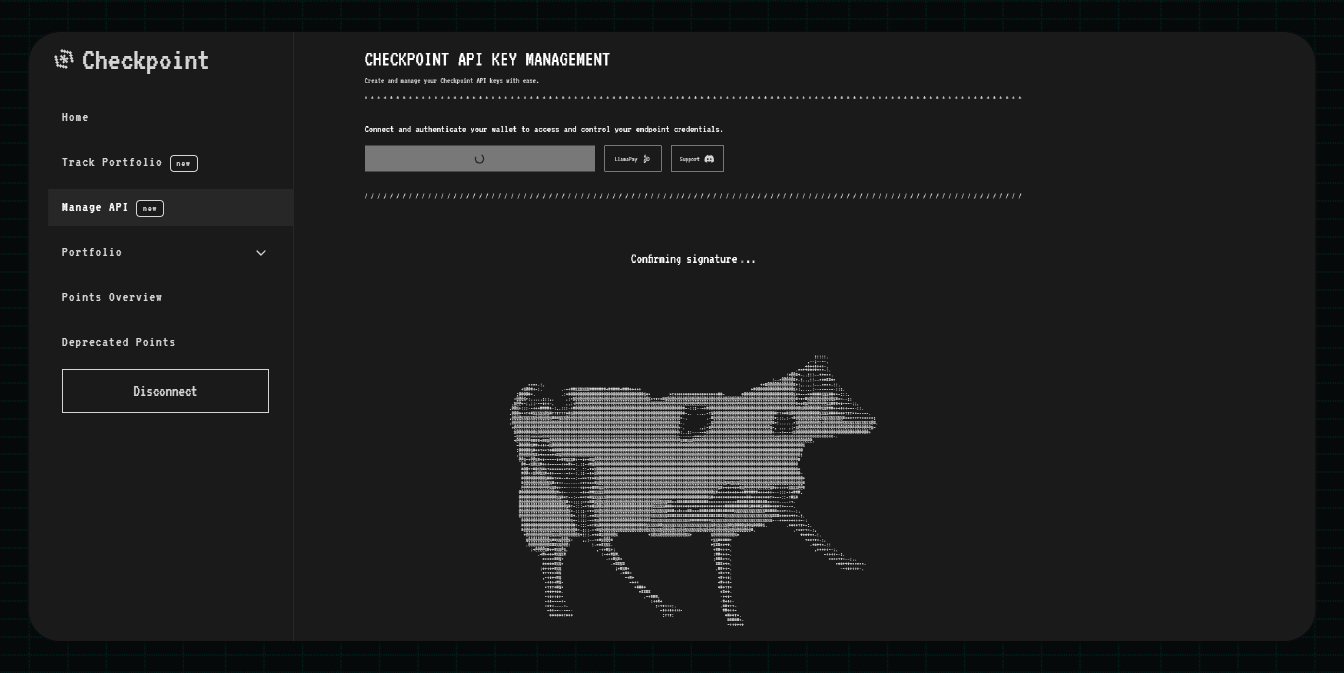
The Points API provides developers with programmatic access to Checkpoint’s points data across all integrated protocols. Query points balances and integrate points tracking directly into your applications with simple REST endpoints.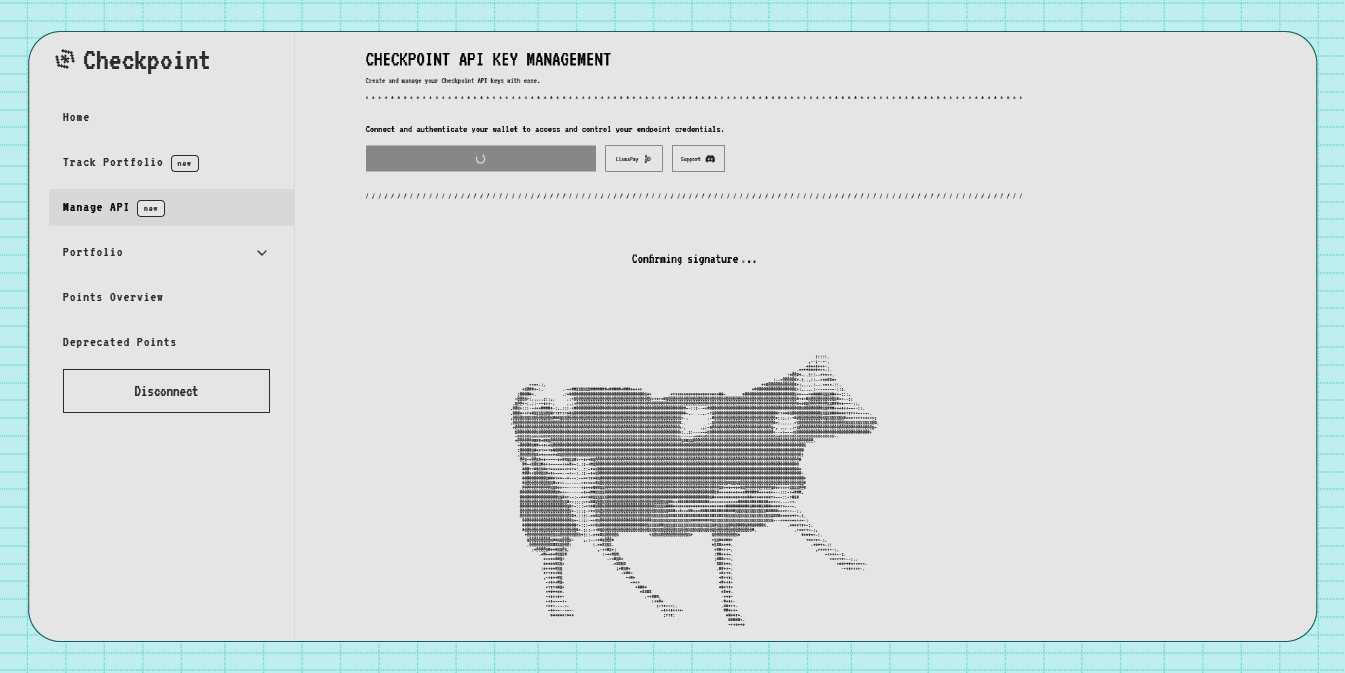
Build with the API
Get familiar with the API technical reference.
Overview
Built for speed and scale, the Points API delivers unified, real‑time points data across protocols with a simple, developer‑friendly interface. The Points API is built around a few core conceptsMulti-Protocol Support
Query points data across 30+ DeFi protocols through a single unified interface
Real-time Data
Access up-to-date points balances and rankings for any address
Normalized Data Format
All points data is normalized into a consistent JSON format across all protocols
Flexible Queries
Query all protocols or specify specific adapters for targeted data retrieval
How It Works
The Points API operates as a data aggregation layer that1
Accepts Address Query
User submit an address to query points for
2
Aggregates Protocol Data
The API queries multiple protocol adapters simultaneously
3
Returns Unified Response
Points data from all protocols is returned in a consistent JSON format
4
Supports Selective Queries
Optional adapter filtering allows querying specific protocols
Core Endpoints
The Points API provides two main endpoints1. Get Points for Address
Retrieve points data for a specific Ethereum address across one or more protocols GET /adapters/{address}Example Request
Example Response
2. List Available Adapters
Get the complete list of supported protocol adapters GET /adaptersExample Request
Example Response
Authentication
The Points API uses API key-based authentication1
Generate API Key
Sign in to the Portal Dashboard and create a new API key
2
Specify Authorized Domains
Configure which domains are authorized to use your API key
3
Include in Requests
Add your API key to the Authorization header of each request
Rate Limiting
The Points API implements a “soft” rate limit of 50 requests per 10 seconds window. This ensures fair access for all users while allowing burst usage patterns.Use Cases
Points Dashboard
Build web applications that display points balances and rankings across protocols
Trading Integrations
Integrate points data into trading platforms and portfolio trackers
Analytics Platforms
Analyze points distribution, trends, and market data across protocols
Automated Tools
Build bots and automation tools that monitor points across multiple users
Getting Started
To start using the Points API:1
Get API Key
Sign up and generate an API key from the Portal Dashboard
2
Explore Endpoints
Review the Points API Reference for detailed endpoint documentation
3
Test Integration
Use the interactive API reference to test endpoints with your API key
4
Build Your App
Integrate the API into your application using the provided examples
Full Documentation: Check out the Points API Reference for detailed parameter specifications, response formats, error handling, and code examples.