> ## Documentation Index
> Fetch the complete documentation index at: https://docs.checkpoint.exchange/llms.txt
> Use this file to discover all available pages before exploring further.
# Points API
> Programmatic access to points data for developers and builders

 # Checkpoint API
The **Points API** provides developers with programmatic access to Checkpoint's points data across all integrated protocols. Query points balances and integrate points tracking directly into your applications with simple REST endpoints.
# Checkpoint API
The **Points API** provides developers with programmatic access to Checkpoint's points data across all integrated protocols. Query points balances and integrate points tracking directly into your applications with simple REST endpoints.

 The API is powered by a modular adapter system: each protocol has a lightweight adapter that fetches raw data and normalizes it into consistent fields.
Get familiar with the API technical reference.
## Overview
Built for speed and scale, the Points API delivers unified, real‑time points data across protocols with a simple, developer‑friendly interface.
The Points API is built around a few core concepts
Query points data across 30+ DeFi protocols through a single unified interface
Access up-to-date points balances and rankings for any address
All points data is normalized into a consistent JSON format across all protocols
Query all protocols or specify specific adapters for targeted data retrieval
## How It Works
The Points API operates as a data aggregation layer that
User submit an address to query points for
The API queries multiple protocol adapters simultaneously
Points data from all protocols is returned in a consistent JSON format
Optional adapter filtering allows querying specific protocols
## Core Endpoints
The Points API provides two main endpoints
### 1. Get Points for Address
Retrieve points data for a specific Ethereum address across one or more protocols
**GET /adapters/\{address}**
* [Review full documentation →](/api-reference/points/get-points-data-for-a-specific-address)
```json Example Request theme={null}
curl "https://checkpoint.exchange/api/v1/adapters/0x69155e7ca2e688ccdc247f6c4ddf374b3ae77bd6?adapters=sonic,henlo" \
-H "Authorization: Bearer YOUR_API_KEY"
```
```json Example Response theme={null}
{
"success": true,
"results": {
"sonic": {
"total": 1500,
"rank": 245,
"data": { ... },
"claimable": true
},
"henlo": {
"total": 2300,
"rank": 189,
"claimable": false
}
}
}
```
### 2. List Available Adapters
Get the complete list of supported protocol adapters
**GET /adapters**
* [Review full documentation →](/api-reference/points/list-all-available-adapters)
```bash Example Request theme={null}
GET https://checkpoint.exchange/api/v1/adapters
-H "Authorization: Bearer YOUR_API_KEY"
```
```json Example Response theme={null}
{
"success": true,
"adapters": [
"avalon",
"bedrock",
"corn",
"dolomite",
"ethereal",
"etherfi",
"henlo",
"karak",
"kelpdao",
"sonic",
"symbiotic",
"taiko",
"veda",
...
]
}
```
## Authentication
The Points API uses API key-based authentication
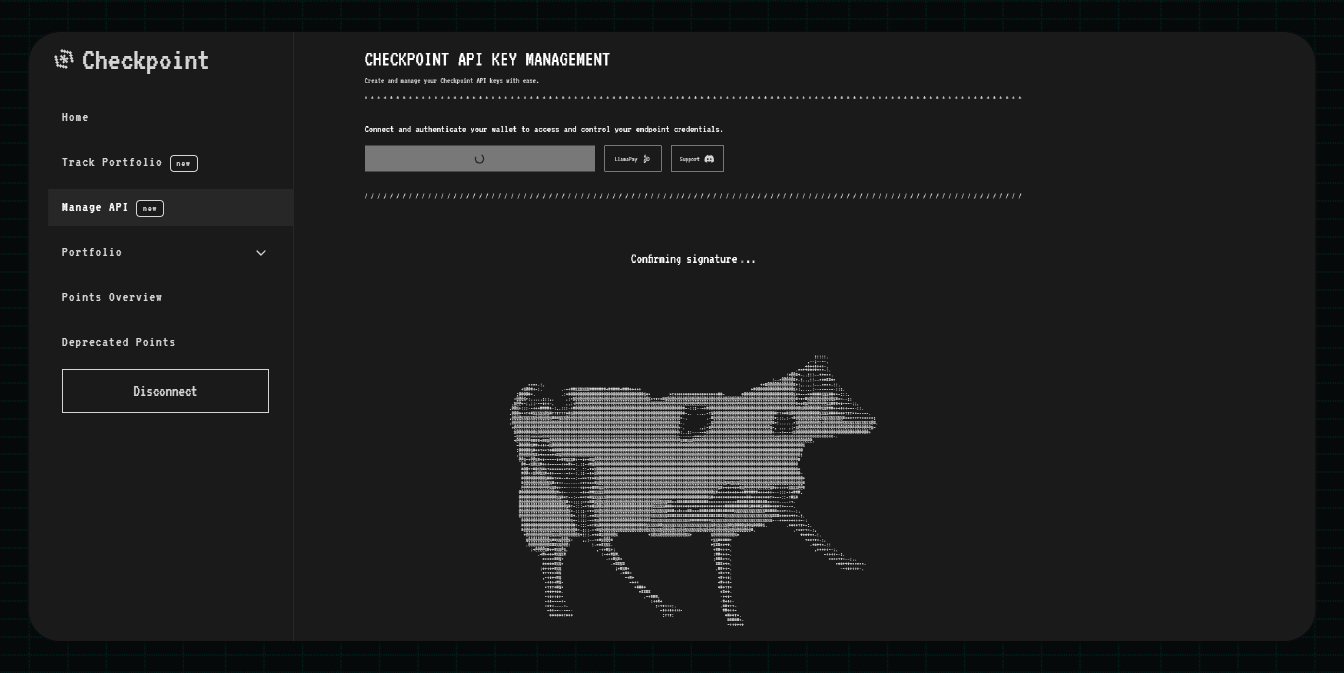
Sign in to the [Portal Dashboard ](https://checkpoint.exchange/apikeys) and create a new API key
Configure which domains are authorized to use your API key
Add your API key to the Authorization header of each request
Include your API key in every request:
```bash theme={null}
Authorization: Bearer YOUR_API_KEY
```
## Rate Limiting
The Points API implements a "soft" rate limit of 50 requests per 10 seconds window. This ensures fair access for all users while allowing burst usage patterns.
If you need higher rate limits for your use case, reach out on [ Discord](https://discord.gg/fJ5dJbxxTT).
## Use Cases
Build web applications that display points balances and rankings across protocols
Integrate points data into trading platforms and portfolio trackers
Analyze points distribution, trends, and market data across protocols
Build bots and automation tools that monitor points across multiple users
## Getting Started
To start using the Points API:
Sign up and generate an API key from the [Portal Dashboard ](https://checkpoint.exchange/apikeys)
Review the [Points API Reference](/api/points-api) for detailed endpoint documentation
Use the interactive API reference to test endpoints with your API key
Integrate the API into your application using the provided examples
**Full Documentation:** Check out the [Points API Reference](/api/points-api) for detailed parameter specifications, response formats, error handling, and code examples.
The API is powered by a modular adapter system: each protocol has a lightweight adapter that fetches raw data and normalizes it into consistent fields.
Get familiar with the API technical reference.
## Overview
Built for speed and scale, the Points API delivers unified, real‑time points data across protocols with a simple, developer‑friendly interface.
The Points API is built around a few core concepts
Query points data across 30+ DeFi protocols through a single unified interface
Access up-to-date points balances and rankings for any address
All points data is normalized into a consistent JSON format across all protocols
Query all protocols or specify specific adapters for targeted data retrieval
## How It Works
The Points API operates as a data aggregation layer that
User submit an address to query points for
The API queries multiple protocol adapters simultaneously
Points data from all protocols is returned in a consistent JSON format
Optional adapter filtering allows querying specific protocols
## Core Endpoints
The Points API provides two main endpoints
### 1. Get Points for Address
Retrieve points data for a specific Ethereum address across one or more protocols
**GET /adapters/\{address}**
* [Review full documentation →](/api-reference/points/get-points-data-for-a-specific-address)
```json Example Request theme={null}
curl "https://checkpoint.exchange/api/v1/adapters/0x69155e7ca2e688ccdc247f6c4ddf374b3ae77bd6?adapters=sonic,henlo" \
-H "Authorization: Bearer YOUR_API_KEY"
```
```json Example Response theme={null}
{
"success": true,
"results": {
"sonic": {
"total": 1500,
"rank": 245,
"data": { ... },
"claimable": true
},
"henlo": {
"total": 2300,
"rank": 189,
"claimable": false
}
}
}
```
### 2. List Available Adapters
Get the complete list of supported protocol adapters
**GET /adapters**
* [Review full documentation →](/api-reference/points/list-all-available-adapters)
```bash Example Request theme={null}
GET https://checkpoint.exchange/api/v1/adapters
-H "Authorization: Bearer YOUR_API_KEY"
```
```json Example Response theme={null}
{
"success": true,
"adapters": [
"avalon",
"bedrock",
"corn",
"dolomite",
"ethereal",
"etherfi",
"henlo",
"karak",
"kelpdao",
"sonic",
"symbiotic",
"taiko",
"veda",
...
]
}
```
## Authentication
The Points API uses API key-based authentication
Sign in to the [Portal Dashboard ](https://checkpoint.exchange/apikeys) and create a new API key
Configure which domains are authorized to use your API key
Add your API key to the Authorization header of each request
Include your API key in every request:
```bash theme={null}
Authorization: Bearer YOUR_API_KEY
```
## Rate Limiting
The Points API implements a "soft" rate limit of 50 requests per 10 seconds window. This ensures fair access for all users while allowing burst usage patterns.
If you need higher rate limits for your use case, reach out on [ Discord](https://discord.gg/fJ5dJbxxTT).
## Use Cases
Build web applications that display points balances and rankings across protocols
Integrate points data into trading platforms and portfolio trackers
Analyze points distribution, trends, and market data across protocols
Build bots and automation tools that monitor points across multiple users
## Getting Started
To start using the Points API:
Sign up and generate an API key from the [Portal Dashboard ](https://checkpoint.exchange/apikeys)
Review the [Points API Reference](/api/points-api) for detailed endpoint documentation
Use the interactive API reference to test endpoints with your API key
Integrate the API into your application using the provided examples
**Full Documentation:** Check out the [Points API Reference](/api/points-api) for detailed parameter specifications, response formats, error handling, and code examples.